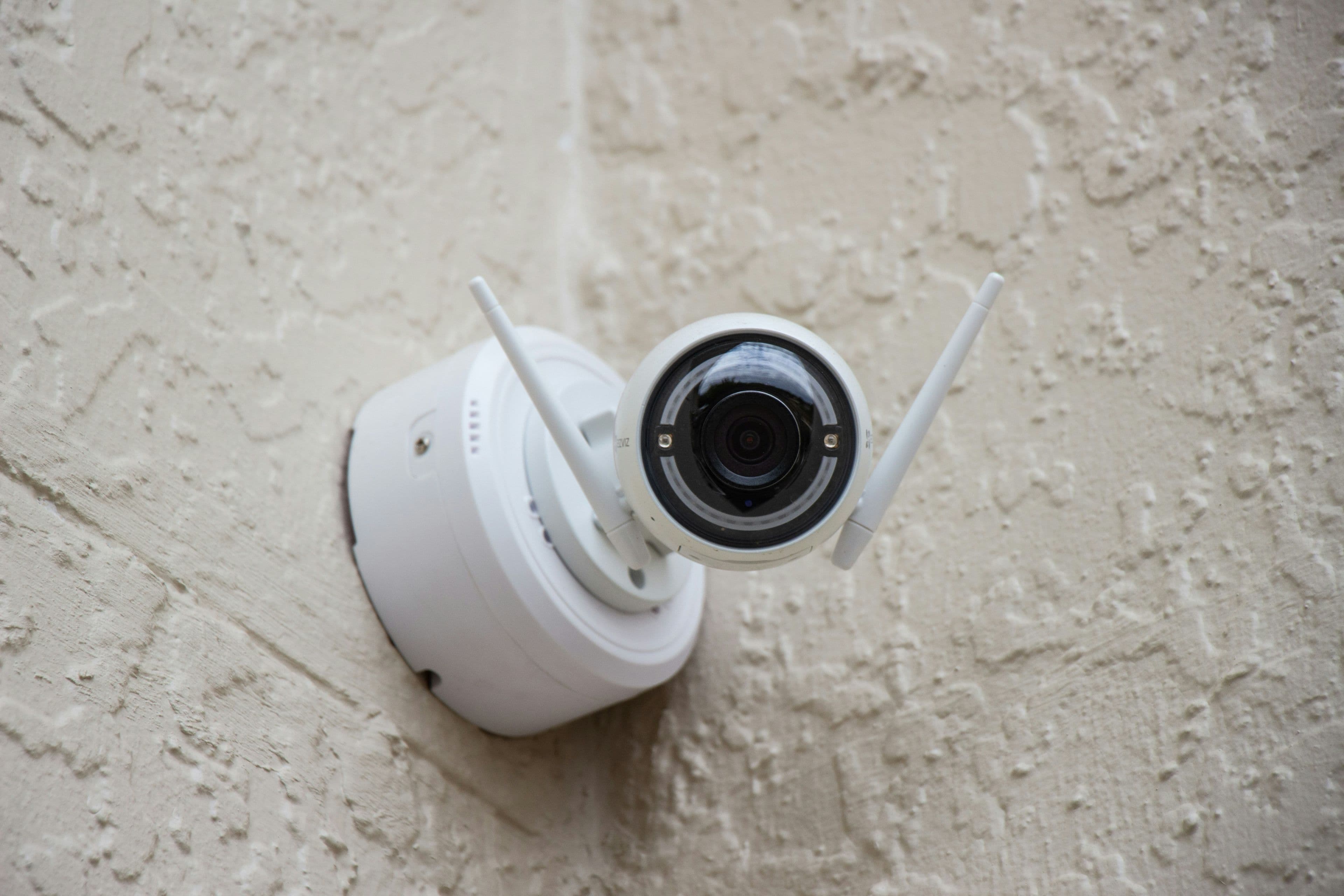
A security camera is only as useful as its footage when you actually need it. Budget models cut corners in ways that aren't obvious from the product photos, so here's what separates a genuinely useful camera from a disappointing one.
Local storage vs cloud storage: understand this before buying
Many budget cameras rely on cloud storage that requires an ongoing subscription after an initial free trial — read the fine print. Others support a local microSD card, which avoids subscription costs but means footage is only as safe as the physical card, and can be lost if the camera itself is stolen or damaged.
The power and connectivity reality check
- Wi-Fi cameras stop working the instant your router loses power or internet — which happens exactly during many load-shedding windows unless your router is also on backup power
- Battery-powered cameras need regular recharging or a solar panel attachment, adding another device to your charging routine
- Wired cameras are more reliable for continuous coverage but need proper installation
Feature comparison
| Feature | Why it matters | Common budget shortfall |
|---|---|---|
| Night vision range | Determines usefulness after dark | Budget models often overstate effective range |
| Motion detection accuracy | False alerts become annoying fast and get ignored | Cheap sensors trigger on shadows, insects, or moving branches |
| Two-way audio | Lets you speak through the camera remotely | Often laggy or poor quality on budget units |
| App reliability | You need consistent, fast access to live footage | Varies enormously between brands — check recent reviews |
A realistic setup for load-shedding households
If Wi-Fi cameras are your only option, put your router on the same backup power source (inverter or UPS) as your camera system, otherwise the camera becomes useless exactly when you might need it most — during an outage when the property is unattended and vulnerable.
💡 Anesu's tip
Test motion detection sensitivity settings in the first week of ownership and adjust them — most false-alert complaints come from default settings that are too sensitive, not a fundamentally bad camera.
Total cost of ownership
| Factor | What to expect |
|---|---|
| Typical price band | $15–$40 per camera |
| Realistic lifespan | 2–4 years, though outdoor exposure can shorten this if the weatherproofing is poor |
| Hidden costs | Cloud storage subscriptions after any free trial ends, or a microSD card for local storage, plus backup power for your router |
Pre-purchase checklist
- 1.Decide upfront between local SD storage and a cloud subscription
- 2.Plan backup power for your router, not just the camera, if Wi-Fi-based
- 3.Check recent reviews for real night-vision range, not the marketing claim
- 4.Test and adjust motion sensitivity in the first week to cut false alerts
Related reading
Our take
Budget cameras can genuinely work, but only if you plan for the power and connectivity dependency upfront. A camera with no backup power plan is just an expensive ornament during the exact hours you need it most.