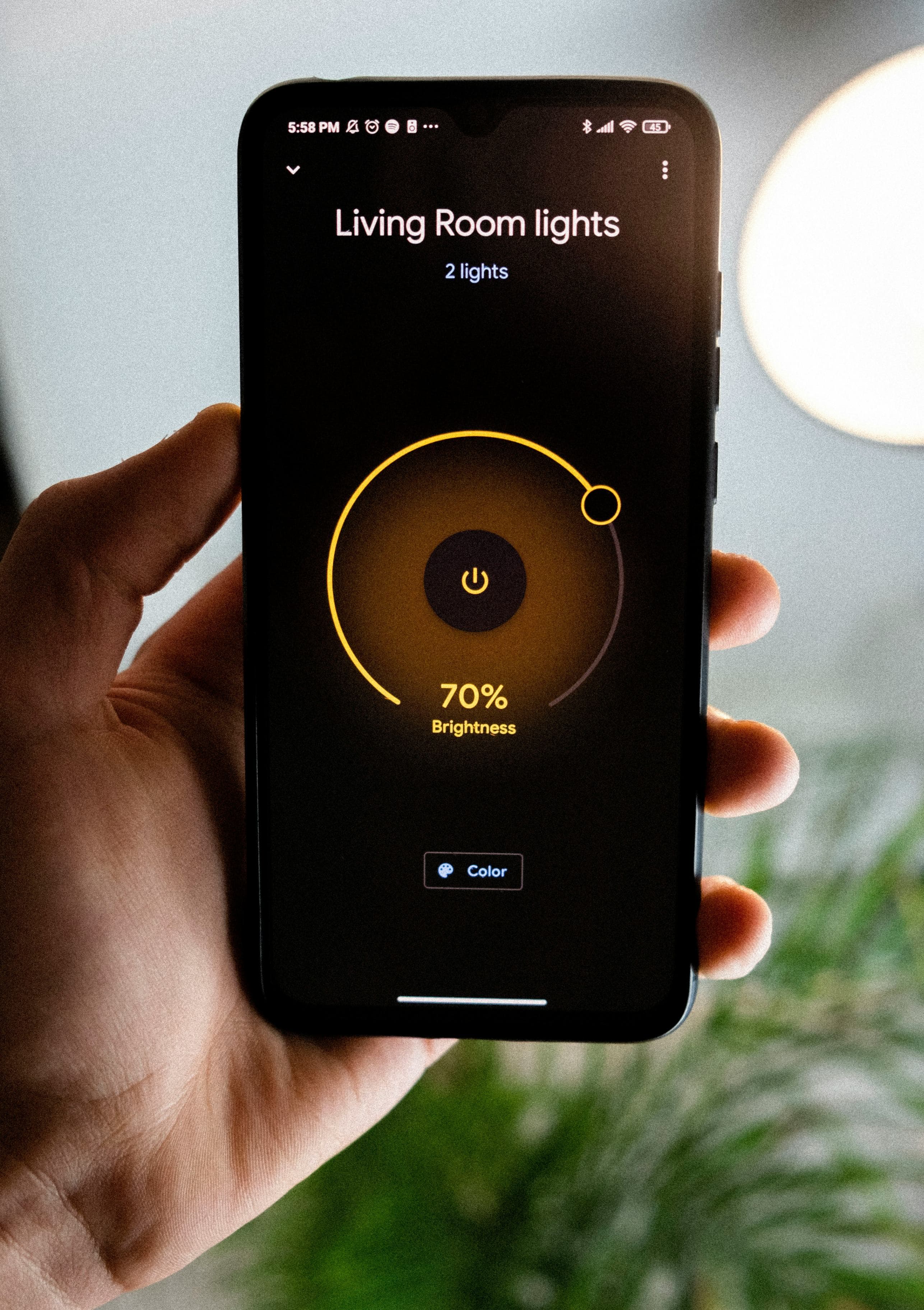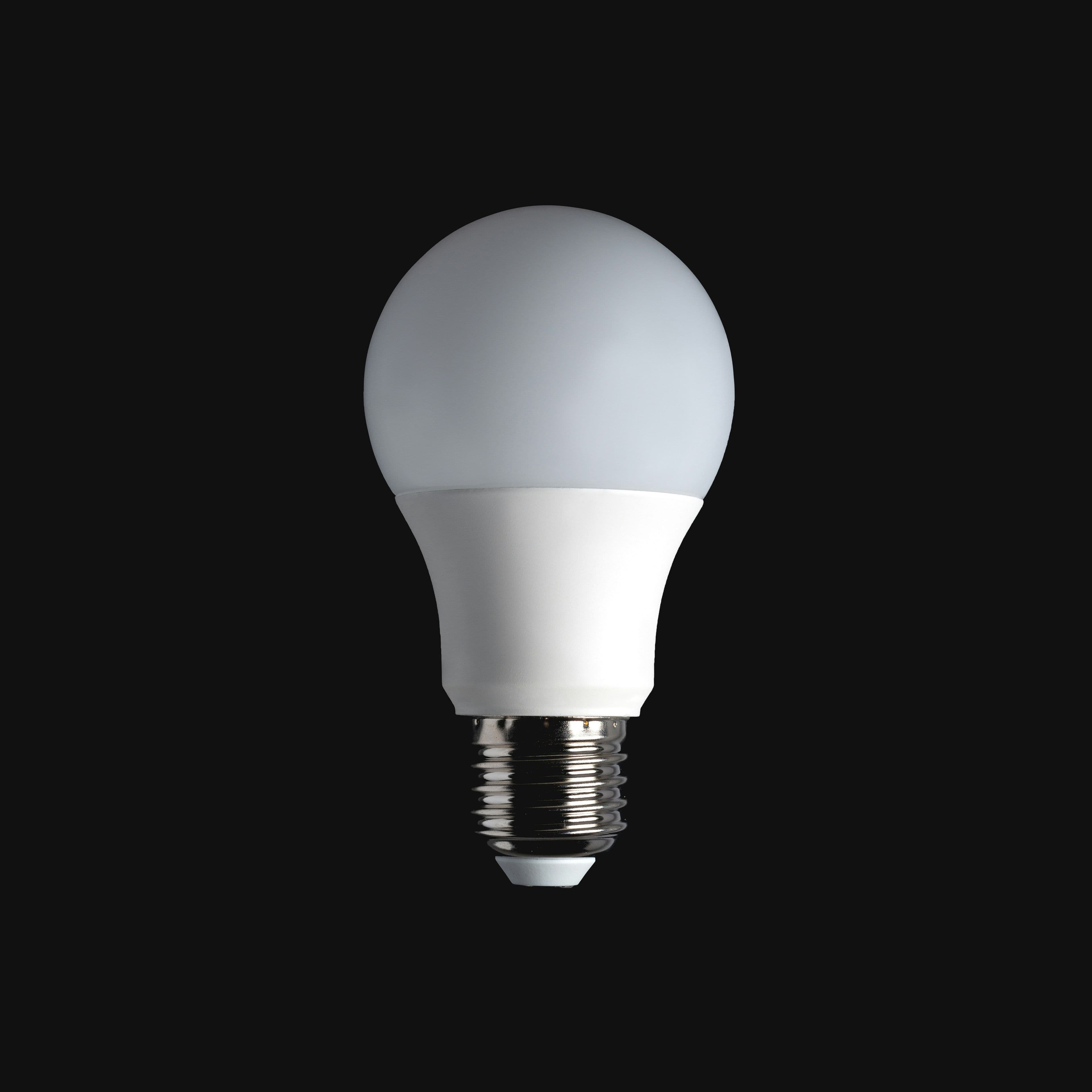
Smart bulbs are an easy, satisfying first smart-home purchase — schedule your lights, dim them from your phone, change colors for the mood. But there's a genuine trade-off that matters more in a load-shedding context than most global reviews mention.
The wall switch problem
Most smart bulbs need continuous power at the physical switch to stay connected to Wi-Fi and remain controllable. If someone in the house flips the wall switch off out of habit, the bulb loses power entirely and can't be turned back on remotely — defeating the purpose. This trips up a lot of first-time smart bulb buyers.
What to check before buying
- Whether the bulb reconnects to Wi-Fi automatically after a power cut (most do, but recovery time varies)
- Whether it remembers its last on/off state after power returns, or defaults to on — the latter can spike your load unexpectedly when power comes back
- App reliability and whether it supports voice assistants you might already use
- Standard fitting compatibility (confirm E27 or B22 base matches your existing fixtures before buying)
Smart bulbs vs smart switches
| Option | Best for | Trade-off |
|---|---|---|
| Smart bulb | Color-changing, per-bulb control, easy DIY install | Loses smart function if the wall switch is turned off |
| Smart switch (wired in at the wall) | Keeps working with the existing switch, more reliable | Requires basic wiring knowledge or an electrician |
Realistic energy savings
Smart bulbs are typically LED-based, so most of your electricity savings actually come from the LED technology itself rather than the 'smart' features — a standard LED bulb without any smart function saves nearly as much power at a much lower price.
💡 Anesu's tip
If you want the convenience without the wall-switch problem, look specifically for bulbs advertised as retaining Wi-Fi memory and auto-reconnecting after a power interruption — this is usually mentioned explicitly in better product listings.
Total cost of ownership
| Factor | What to expect |
|---|---|
| Typical price band | $5–$15 per bulb |
| Realistic lifespan | 15,000–25,000 hours of use — several years even with regular evening use |
| Hidden costs | Minimal — the main 'cost' is the wasted purchase if it ends up in a room where the wall switch gets turned off |
Pre-purchase checklist
- 1.Confirm the base fitting (E27 or B22) matches your existing fixtures
- 2.Check whether it auto-reconnects to Wi-Fi after a power cut
- 3.Check whether it remembers its last on/off state after power returns
- 4.Confirm it works with the ecosystem (Google Home, Alexa, or its own app) you actually plan to use
Related reading
Our take
Smart bulbs are a fun upgrade for rooms where the wall switch stays permanently on, like a hallway or bedside lamp. For rooms where household habit is to flip the switch, a smart switch or a simple LED bulb will serve you better.