The biggest smart home mistake is buying everything at once from mismatched brands, ending up with three different apps and a setup nobody wants to actually use after week two. Building it in a sensible order fixes this.
Step 1: Pick one ecosystem before buying anything
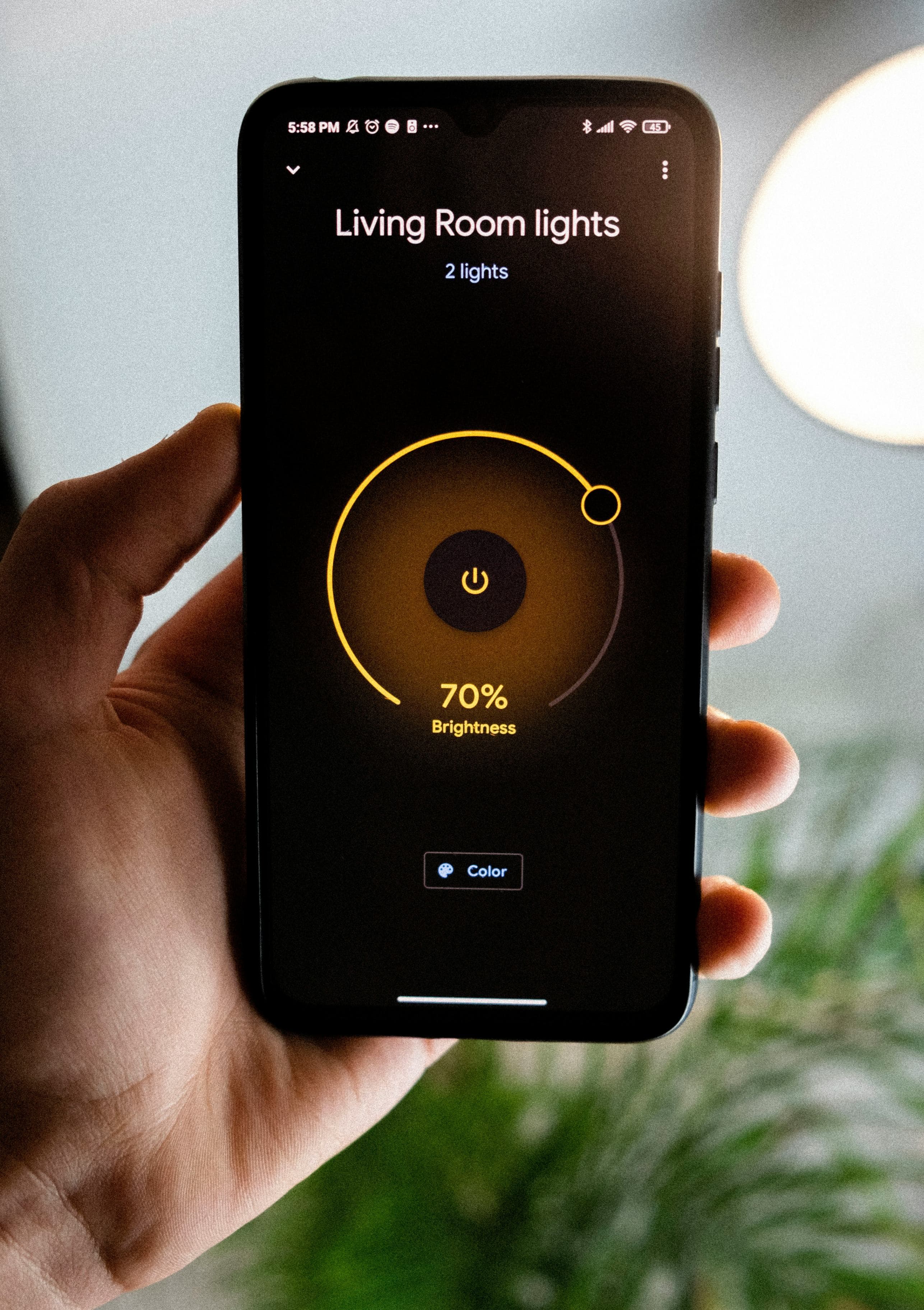
Decide early whether you'll primarily use Google Home, Amazon Alexa, or a manufacturer's own app, and try to buy devices that explicitly support it. Mixing incompatible ecosystems is the number one reason smart home setups get abandoned.
A sensible buying order
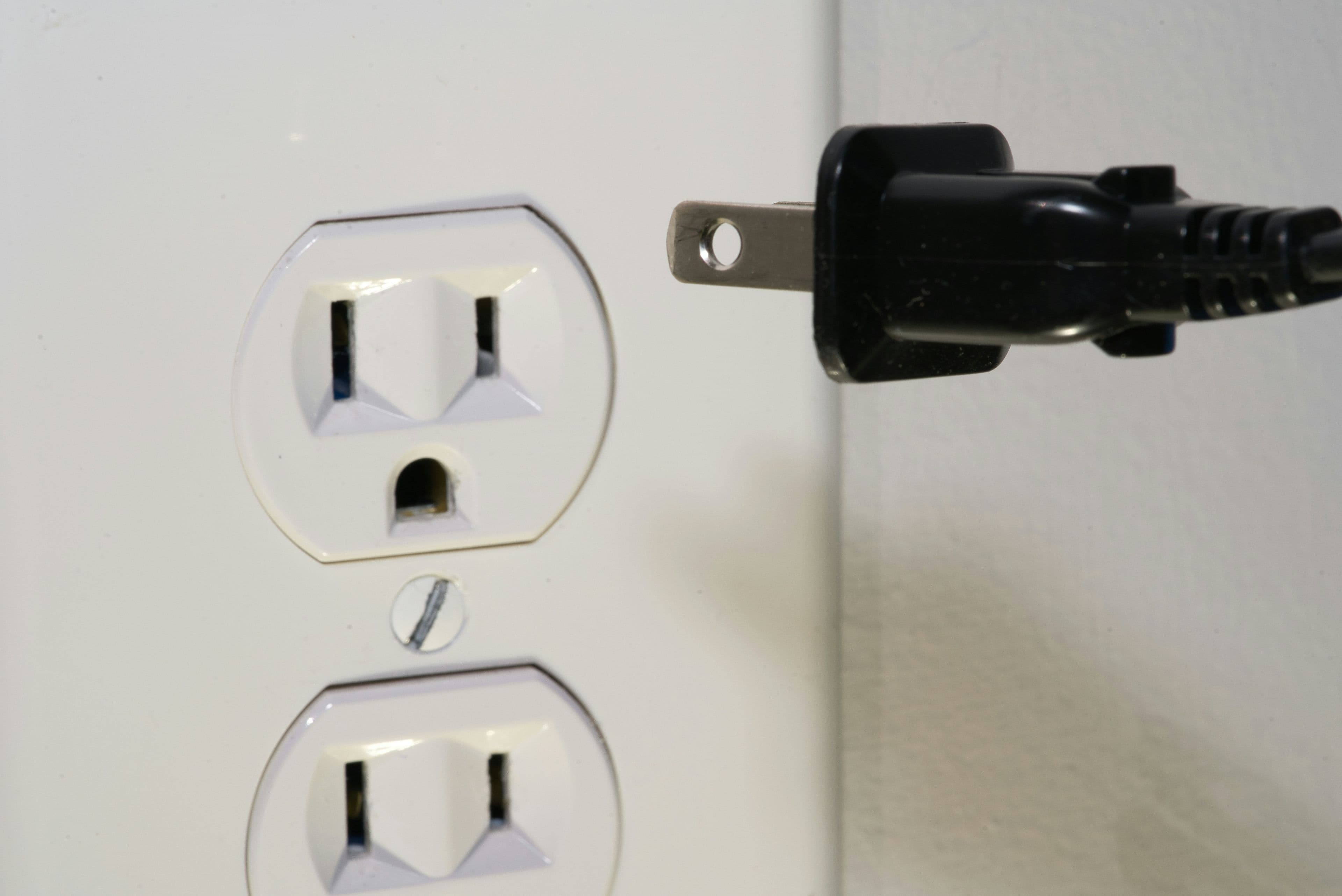
- 1.Start with one smart plug on a device you interact with daily, to build the habit of actually using the app
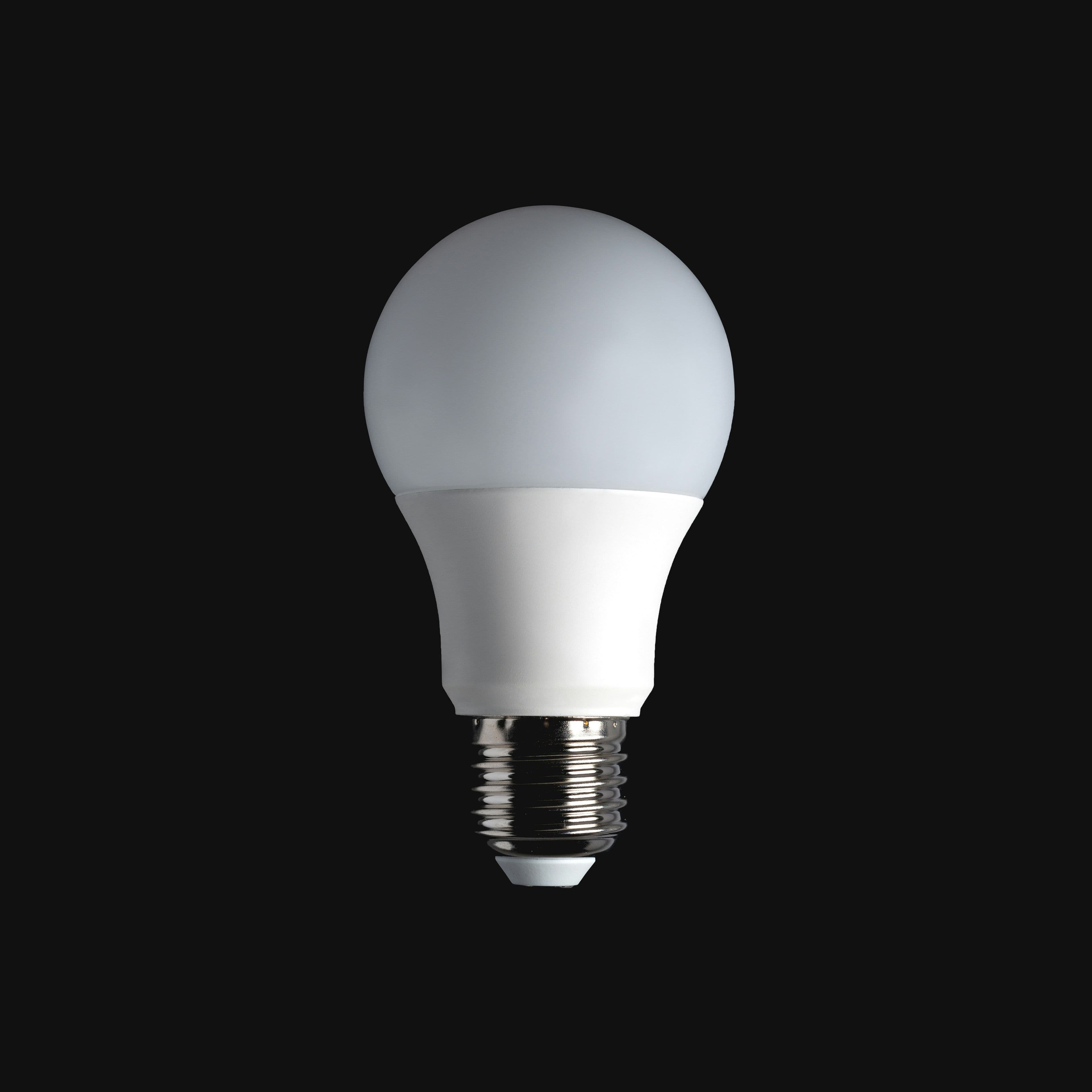
- 2.Add a smart bulb or two in a room where the wall switch stays on permanently
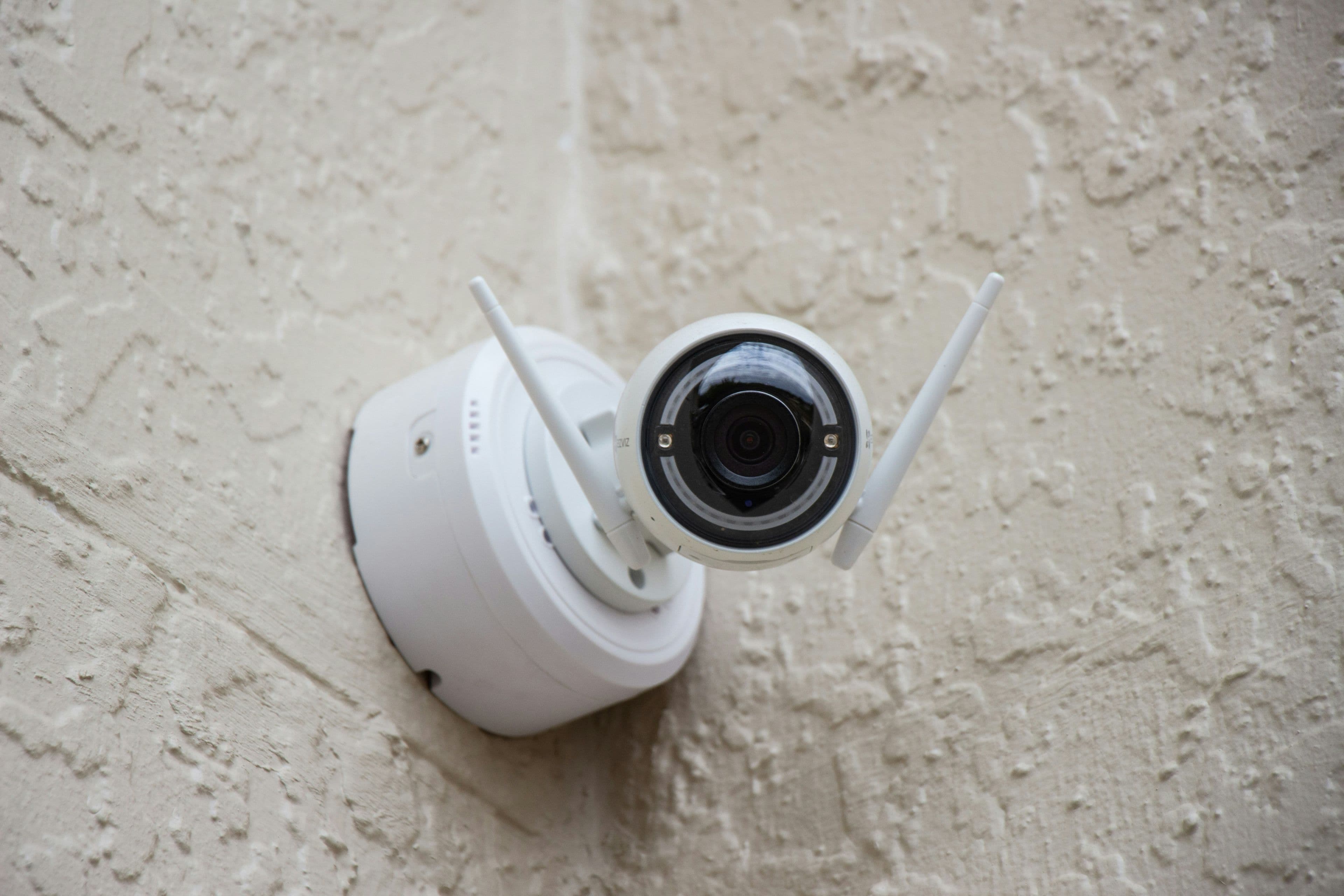
- 3.Add a basic Wi-Fi security camera once you're confident your router has backup power
- 4.Consider a smart speaker or hub only once you've confirmed you'll actually use voice control day to day
Budget guide by starter stage
| Stage | What to buy | Why this order |
|---|---|---|
| Stage 1 | One smart plug | Cheapest way to confirm you'll actually use the habit |
| Stage 2 | Two to three smart bulbs | Low cost, immediately satisfying, low risk |
| Stage 3 | One security camera | Bigger investment, worth doing after confirming router reliability |
The load-shedding-specific consideration
Every smart home device is useless without power and, usually, internet. Before expanding your setup, make sure your router itself is on some form of backup power (even a small UPS) — otherwise your whole smart home goes offline the moment load-shedding starts, regardless of how good the individual devices are.
💡 Anesu's tip
Keep a simple written list of which device is on which app and ecosystem as you add more gadgets — it's easy to forget after the fourth or fifth purchase, and troubleshooting becomes much harder without it.
Total cost of ownership
| Factor | What to expect |
|---|---|
| Typical price band | $5–$15 per plug or bulb, $15–$40 for a starter camera |
| Realistic lifespan | 2–4 years per device, varying by category as covered in our individual guides |
| Hidden costs | Possible cloud subscription fees for a camera, and the time cost of managing multiple apps if you mix ecosystems |
Pre-purchase checklist
- 1.Pick one ecosystem (Google Home, Alexa, or a single manufacturer app) before buying anything
- 2.Start with one cheap device to prove you'll actually use the automation
- 3.Put your router on backup power before relying on any Wi-Fi-based device
- 4.Keep a simple written list of which device lives on which app
Related reading
Our take
Start small, prove to yourself you'll actually use the automation daily, and only then expand. A one-device smart home that gets used every day is more valuable than a ten-device setup gathering dust after the novelty wears off.