Smart plugs are one of the cheapest entry points into smart home tech, often under $10. But in a load-shedding context, buyers frequently misunderstand what they actually do. Let's clear that up before you spend money expecting the wrong result.
What a smart plug actually does
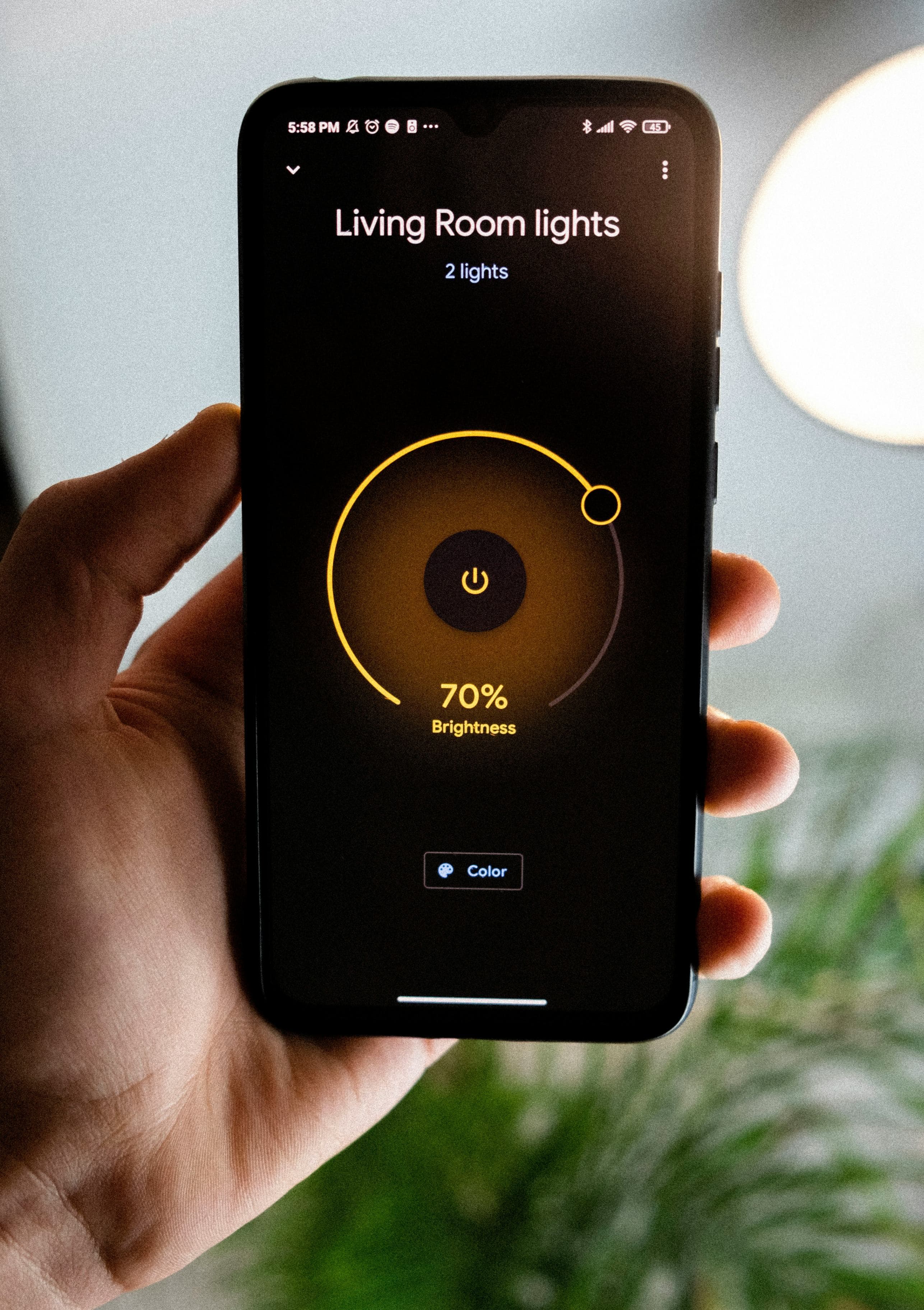
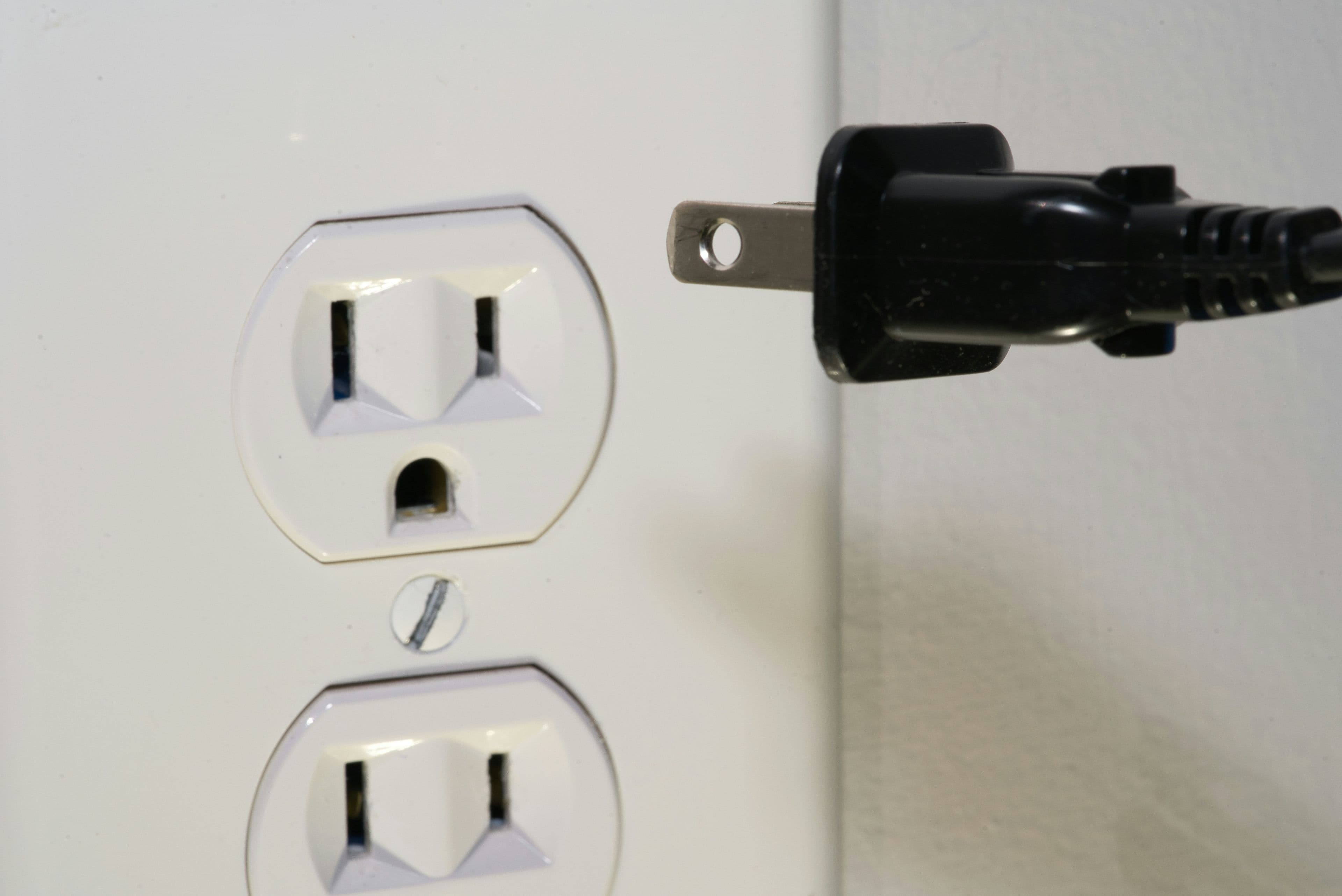
A smart plug sits between your wall socket and an appliance, letting you turn that appliance on or off remotely via an app, a schedule, or a voice assistant. That's the whole function. It does not store power, does not protect against surges on its own (unless explicitly rated for surge protection), and does not work at all once the grid power is off, because it needs electricity to operate.
Where smart plugs genuinely help during power cuts
- Automatically switching a device (like a battery charger or inverter-fed circuit) on the instant power returns, even if you're not home
- Scheduling appliances to run only during known ZESA power windows, reducing wasted standby power
- Remotely checking whether power has returned via an app that shows the plug's online/offline status
- Preventing appliances from all switching on simultaneously when power returns, which can trip breakers
Where they don't help at all
A smart plug cannot keep your router, fridge, or lights running during an outage. For that you need an actual power source — a battery backup, inverter, or generator. Think of a smart plug as a convenience and automation layer on top of whatever power source you already have, not a power source itself.
What to check before buying
| Feature | Why it matters |
|---|---|
| Wi-Fi vs Bluetooth | Wi-Fi models let you control the plug remotely from anywhere; Bluetooth only works within range |
| Load rating (amps/watts) | Cheap plugs are often rated for lighting loads only — check before plugging in a kettle or heater |
| App reliability | Read recent reviews specifically about app stability, since this varies a lot between brands |
| Local vs cloud control | Cloud-dependent plugs stop working if the manufacturer's servers go down or if you have no internet |
💡 Anesu's tip
Never plug a smart plug into a high-draw appliance like a kettle, iron, or heater unless the listing explicitly states a load rating above 13A — most budget models are rated for lighting and small electronics only.
Total cost of ownership
| Factor | What to expect |
|---|---|
| Typical price band | $5–$15 per plug |
| Realistic lifespan | 2–4 years of normal use — these have no battery to degrade, so failure is usually mechanical or app-support related |
| Hidden costs | Essentially none, though very cheap unbranded units carry a small but real fire-safety risk that's worth paying a little more to avoid |
Pre-purchase checklist
- 1.Confirm the stated load rating before plugging in anything beyond lighting or small electronics
- 2.Decide whether you need Wi-Fi (remote control) or Bluetooth (local only) is enough
- 3.Check whether control depends on the manufacturer's cloud servers or works locally
- 4.Look for a visible safety certification mark on the packaging
Related reading
Our take
Buy a smart plug for automation and convenience, not as a load-shedding solution. Pair it with an actual backup power source if your real goal is keeping devices running through an outage.